

Connectivity Options
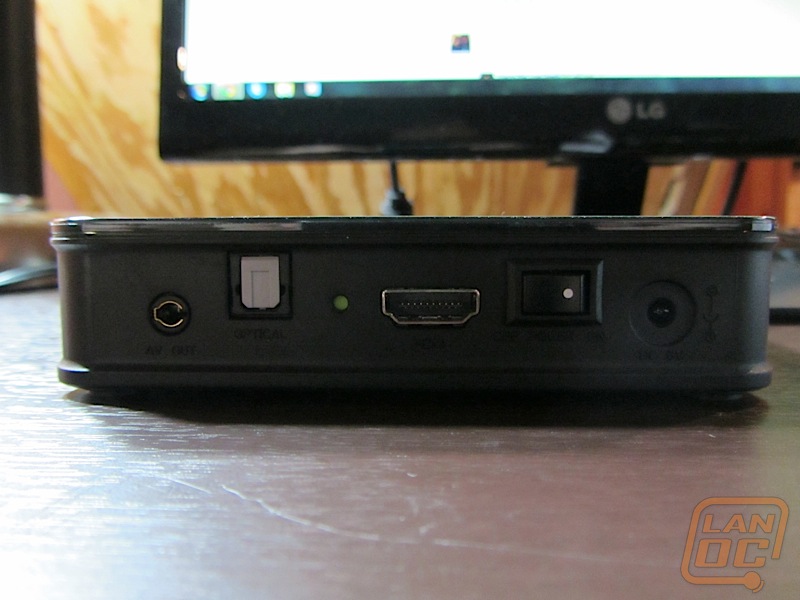
The Fantasy can be hooked up to your television one of two ways. The device includes an adapter that will allow you to hook it up to your television via composite video ports (the traditional yellow, red and white connectors). I would recommend that you connect it to the television with the HDMI connector that is supported on the Fantasy.
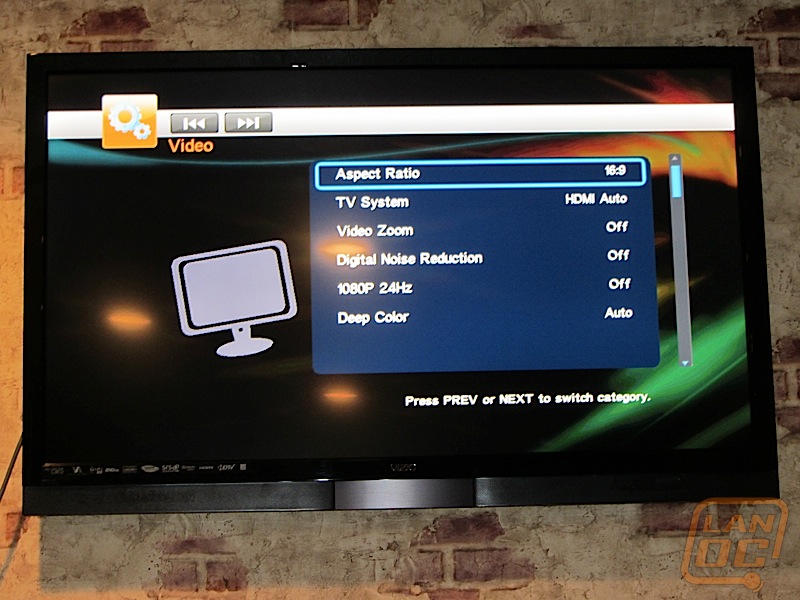
Once you power the device up, it most likely will boot up into 480p 4:3 mode. On a 1080p HD television like in my lab, it will look compressed together and distorted. Quickly jump into the settings menu and turn on HDMI Default for the video resolution (or choose your resolution and refresh rate should you desire).
There is also a digital audio out (the TOSLINK) connection as well for connecting to a surround system. I do not have a surround sound system in the lab for testing purposes, so I was unable to test surround sound through the HDMI connection or the TOSLINK connection.